Inventory Management Software: A Guide for Growing Retailers
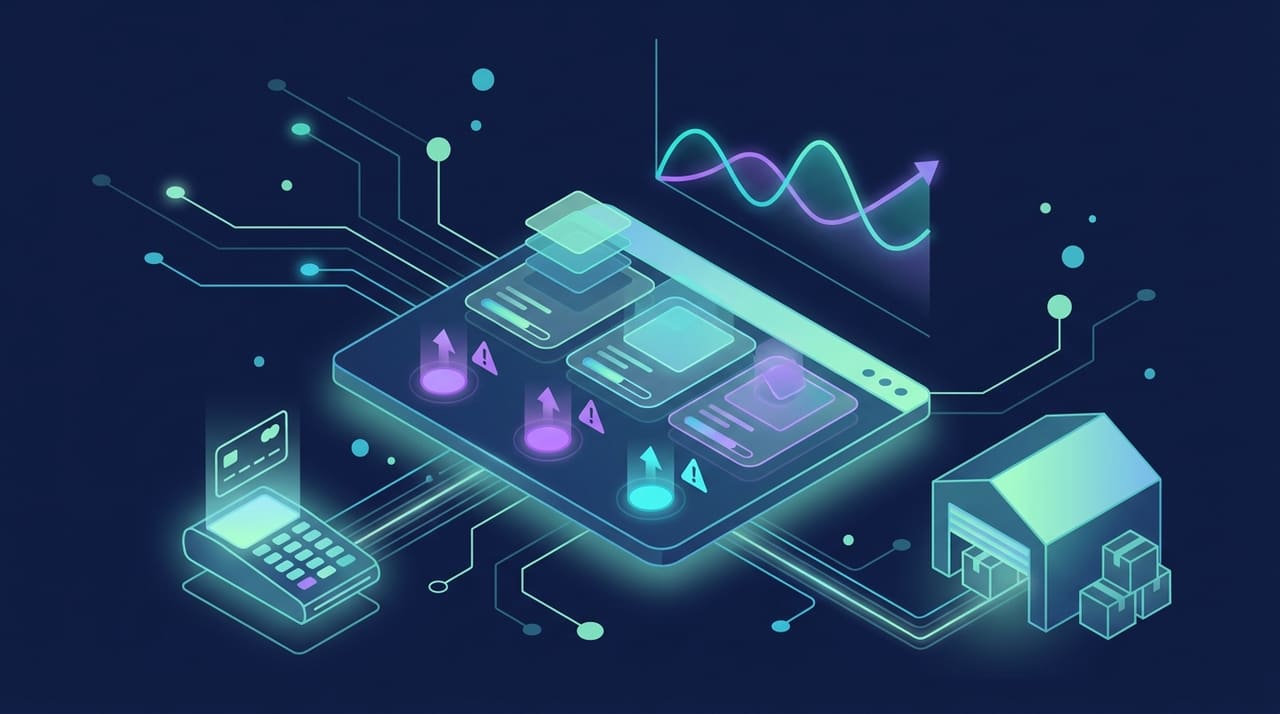
Inventory management software is the system that tells a retailer exactly what they have, where it is, and when to reorder, across every channel they sell through. For a very small shop, a careful spreadsheet might genuinely suffice for a while. But as a retailer grows, adds sales channels, and juggles more suppliers, manual tracking breaks down fast and quietly, leading to stockouts, overstock, and money lost in ways nobody notices until year-end. This guide explains what these systems actually do, how to evaluate them honestly, and how to choose the right fit as you scale.
What Inventory Management Software Does
At its heart, this software gives you a single, accurate, real-time view of your stock across the entire business. Instead of guessing or endlessly reconciling conflicting spreadsheets, you always know your current quantities, their exact locations, and how they are moving. The best systems go considerably further, automating reordering, syncing stock across every sales channel, and surfacing genuine insight about what sells briskly and what just sits gathering dust.
Core Capabilities
- Real-time stock tracking: Accurate counts that update the instant a sale or receipt happens.
- Multi-location support: Clear visibility across every warehouse, store, and stockroom you run.
- Reorder automation: Alerts or automatic purchase orders triggered at thresholds you set.
- Channel synchronization: Consistent, reliable stock across your store, marketplaces, and website.
- Reporting: Real insight into turnover, dead stock, margins, and emerging demand trends.
Why Growing Retailers Outgrow Spreadsheets
Spreadsheets are cheap and familiar, which is precisely why retailers cling to them long past the point of usefulness. But they do not update in real time, they break the moment multiple people edit them at once, and they cannot reliably sync stock across separate sales channels. As order volume rises, the compounding cost of manual errors, an oversold item, a missed reorder, a simple miscount, quickly exceeds the modest price of proper software. The moment inventory mistakes start costing you actual sales and hard-won customer trust, it is time to seriously upgrade.
Signs You Have Outgrown Manual Tracking
- You regularly sell items to customers that you do not actually have in stock.
- Reconciling counts across channels quietly eats hours of staff time every single week.
- You are guessing at reorder timing and getting it wrong often enough to notice.
- Working capital is tied up in overstock while your genuine bestsellers keep running dry.
- Adding a new sales channel feels operationally impossible rather than merely difficult.
Key Features to Evaluate
Not every system suits every retailer, and the flashiest feature list is not the same as the right fit. Focus your evaluation squarely on the capabilities that match how your operation actually works.
| Feature | Why it matters | Watch out for |
|---|---|---|
| Real-time sync | Prevents overselling across channels | Delayed or batch-only updates |
| Integrations | Connects to your store and tools | Missing key platforms you rely on |
| Multi-location | Scales cleanly as you add sites | Extra cost charged per location |
| Forecasting | Smarter, data-backed reorder decisions | Overly simplistic models |
| Reporting | Reveals what to stock and what to cut | Rigid, non-exportable reports |
| Scalability | Grows with your order volume | Performance limits and pricing tiers |
Off-the-Shelf vs Custom Solutions
Retailers generally choose between a ready-made product and a custom-built system, and each has a genuine place depending on your situation.
Off-the-Shelf Software
Packaged solutions are quick to deploy, lower in upfront cost, and cover the common needs of most retailers well. They are the right starting point for the majority of growing businesses. The real trade-off is that you must adapt your operation to the tool's built-in assumptions, and any unusual workflows or deep integrations may not fit cleanly no matter how you configure them.
Custom-Built Systems
When your operations are genuinely distinctive, when you have unusual fulfillment logic, tight integrations with internal systems, or requirements no package handles gracefully, a custom system starts to pay off. Purpose-built software development lets the tool fit your business exactly, rather than forcing your business to bend around the tool. It is a larger upfront investment, fully justified when inventory sits at the core of your competitive advantage.
Integration Is Where Value Is Won or Lost
Inventory software very rarely lives alone in isolation. Its real value depends almost entirely on how well it connects to the rest of your stack: your point of sale, your accounting, your suppliers, and especially your online store. A system that syncs seamlessly with your e-commerce platform keeps stock levels accurate across every channel automatically, which is the entire point of buying it. Weak or flaky integrations simply recreate the exact manual reconciliation you were trying so hard to escape, so scrutinize this closely before you commit a cent.
How to Choose the Right System
- Map your requirements: List your channels, locations, volume, and absolute must-have integrations.
- Prioritize integration: Confirm firsthand that it connects cleanly to the tools you already run.
- Plan for growth: Choose a system that scales comfortably with where you are actually heading.
- Weigh total cost: Add up subscription, per-location fees, and real implementation effort.
- Test with real data: Trial the system with your own actual products and daily flows.
- Consider support and training: Adoption quietly fails without good onboarding and responsive help.
Implementation Done Right
Even the best software on the market fails badly if it is rolled out carelessly. Clean your existing inventory data first, because bad data in reliably produces bad results out no matter how good the system is. Train your team properly, migrate in stages where you can rather than all at once, and run a period of parallel manual checks to build genuine confidence before you rely on the system completely. Treat implementation as a real project with an owner, not a switch you casually flip one afternoon.
Getting More From the Data You Collect
Once a system is running smoothly, its greatest long-term value often comes not from day-to-day tracking but from the decisions the accumulated data makes possible. A retailer who simply knows current stock levels has solved yesterday's problem; one who mines the history to anticipate demand is solving tomorrow's. The reporting and forecasting features that seemed like nice extras during evaluation become the tools that quietly protect your margins.
- Demand forecasting: Use past sales patterns to reorder before you run out, not after.
- Dead stock identification: Spot slow movers early and act before they tie up capital indefinitely.
- Supplier performance: Track lead times and reliability to negotiate and plan more effectively.
- Seasonal planning: Prepare for predictable peaks instead of scrambling when they arrive.
- Margin analysis: Understand which products genuinely earn their shelf space and which do not.
The retailers who win with inventory software are the ones who treat it as a decision engine rather than a digital ledger. The counting is table stakes; the insight is where the real return on investment lives, and it compounds the longer the system runs and the more history it accumulates. A system in its second year, armed with a full seasonal cycle of clean data, makes far sharper decisions than the same system did on day one, which is exactly why choosing a platform you can commit to matters.
Frequently Asked Questions
When should a retailer invest in inventory management software?
When manual tracking starts costing you real money and time, through stockouts, overselling, or hours lost to reconciliation each week. If inventory errors are actively hurting your sales or eroding customer trust, the moment has already arrived.
Should I choose off-the-shelf or custom software?
Start with off-the-shelf if your needs are fairly common, since it is faster and cheaper to get running. Choose custom when your workflows are genuinely distinctive, or when inventory sits at the center of your competitive edge and no package fits.
What is the most important feature to look for?
Real-time synchronization across your sales channels, closely followed by strong, reliable integrations. Without accurate, live stock levels everywhere you sell, the rest of the feature list matters far less than it appears to.
Will this software integrate with my online store?
Good systems do, but you must verify it explicitly for your specific platform before buying. Integration quality is precisely where inventory software either delivers or completely fails to deliver its promised value.
How long does implementation take?
It varies with complexity and the state of your data, but plan for a proper rollout including data cleanup, staff training, and a testing period rather than expecting an instant, same-day switch.
Conclusion
Inventory management software is not a luxury for growing retailers; it is the operational backbone that prevents stockouts, frees up trapped working capital, and lets you expand across channels with real confidence. The right choice depends on your scale, your specific workflows, and above all on how cleanly the system integrates with the tools you already depend on every day. If you would like guidance on selecting or building a system that genuinely fits your business, DDC is happy to help you think it through. Reach out via our contact page.